

Unlock the Full Potential
This installation was on a 4-story home, and the tech had not yet gone to the basement to troubleshoot the “infinity” water source heat pump, as he was told he by the homeowner. He was in the attic at the infinity furnace above the 4th floor. He was getting his dcv in the proper range on his A and B green plug on the air handler, 3 to 4 vdc. His indoor board ohm reading was in range, 28k to 32 k. The tech ohmed out the A and B thermostat wires on the water source heat pump from the upstairs. His ohm reading was not in range of a normal infinity board. His reading was around 64.4k. The tech then made the long walk to the basement where the “geothermal heat pump” was located. Bingo.

September 13, 2023
Using Bluetooth on 24/26 SEER Carrier Equipment
The most current 24 and 26 SEER Carrier GREENSPEED and Bryant EXTREME offer a few upgrades from the original versions. Now, they have a capacity range from 25% to 100% and added a discharge pressure transducer to the ensemble of inputs for more protection and adjustment ability. Similar to the original Greenspeed and Extreme units, they provide a basic 24VAC transformer for power to the primary control module (PCM). Another upgrade is a communicating Bluetooth Module for monitoring performance and updating the components through the Carrier, Bryant, or Replacement Components Service Tech Apps. It is highly recommended to perform this update at the time of system commissioning and later during any service or maintenance performed to the equipment.
What is Bluetooth?
Bluetooth is a wireless technology used to exchange data between devices over short distances, mainly as an alternative to wired connections. It utilizes UHF radio waves with low transmission power, covering a max distance of about 33 feet.
What Apps Can I Use?
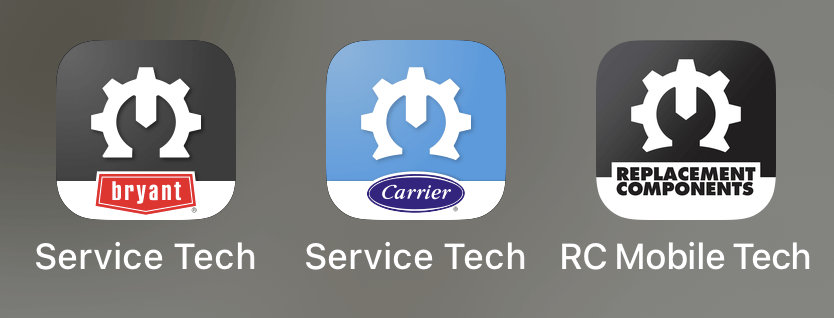
Be aware that signing in as a guest will only give you limited ability with the apps.
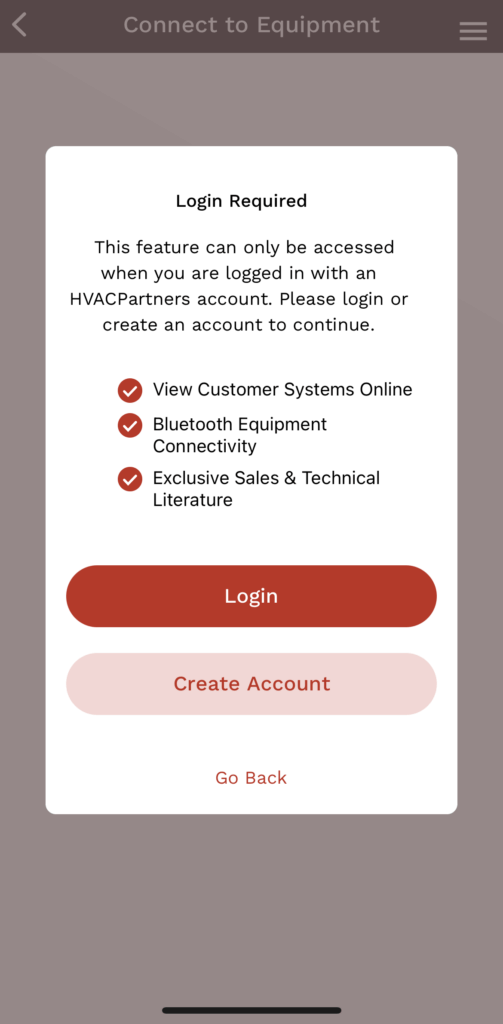
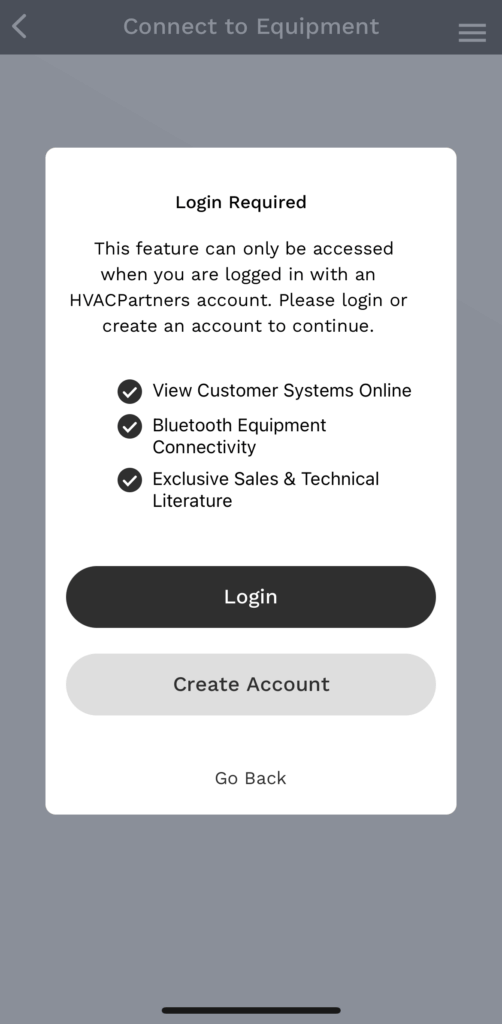
Sign in using your HVACPartners credentials to utilize the advanced features.

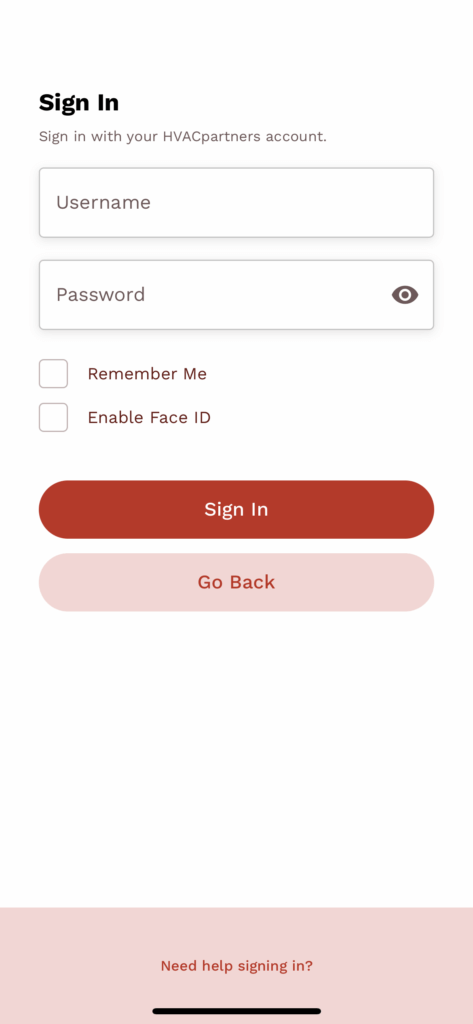
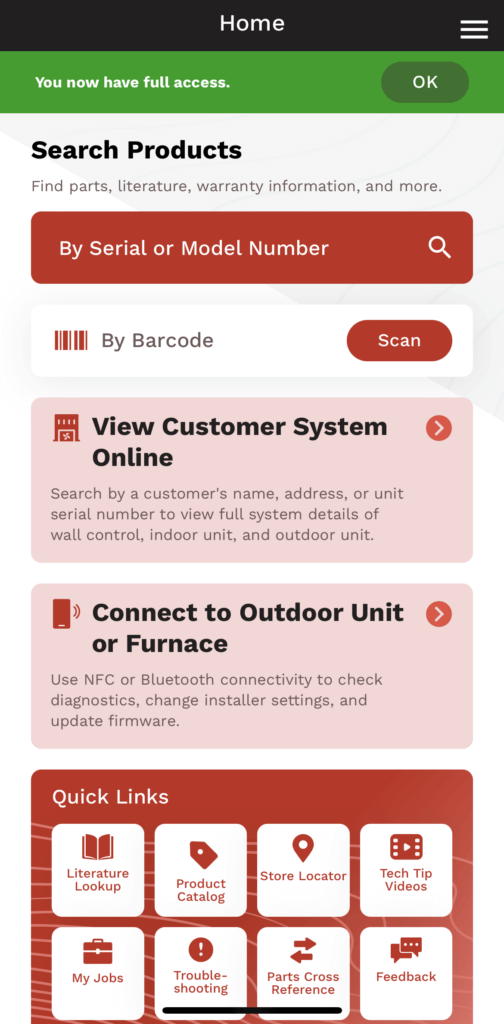
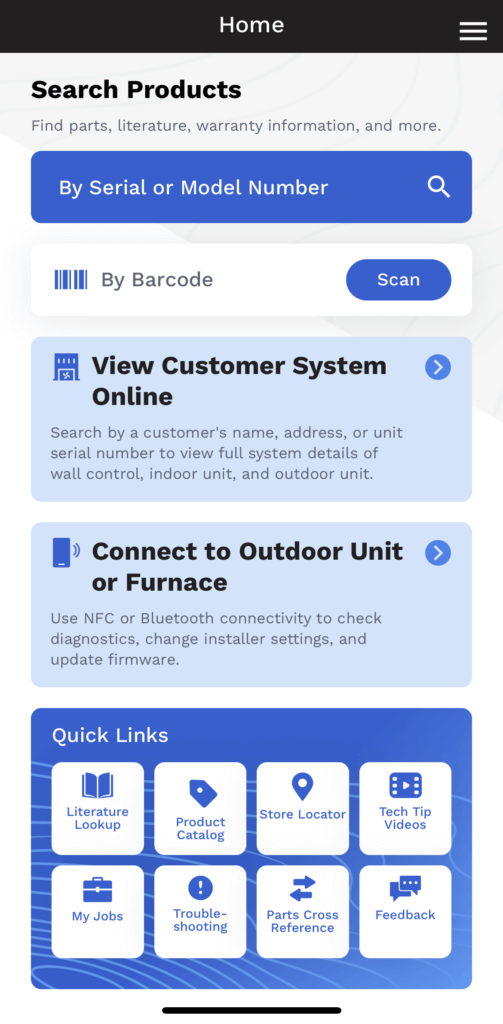
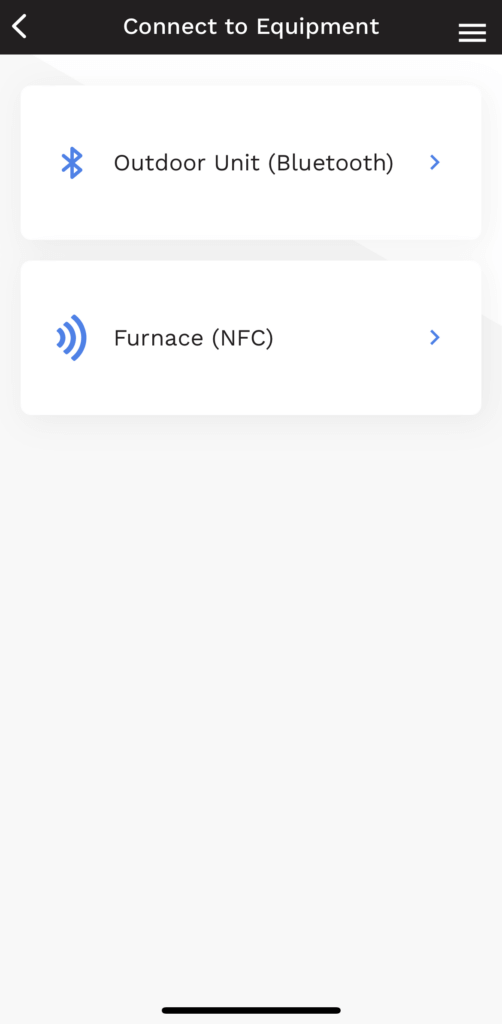
Once signed into your account, touch “Connect to Outdoor Unit or Furnace”. This will take you to the “Connect to Equipment” screen. Select “Outdoor Unit (Bluetooth)” and the app will search for equipment.
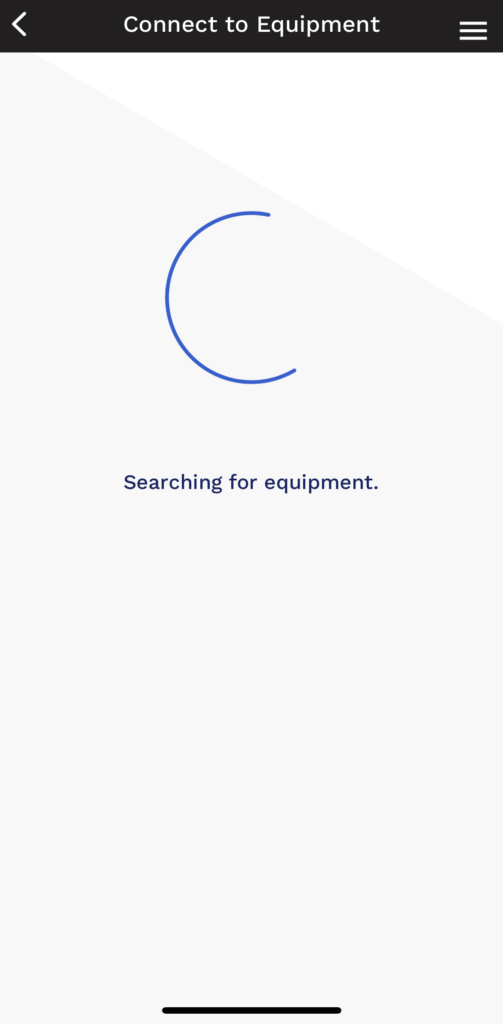
If no equipment is found, you may need to resync your device.
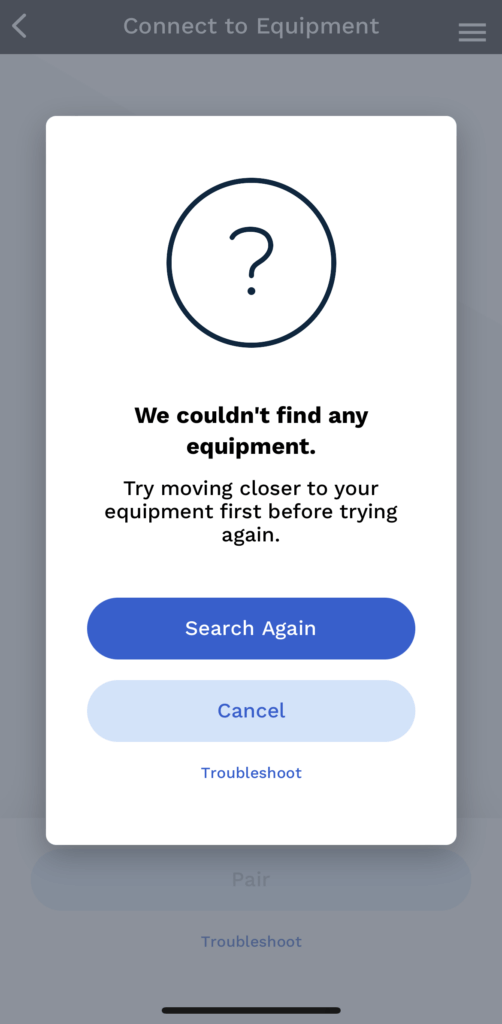
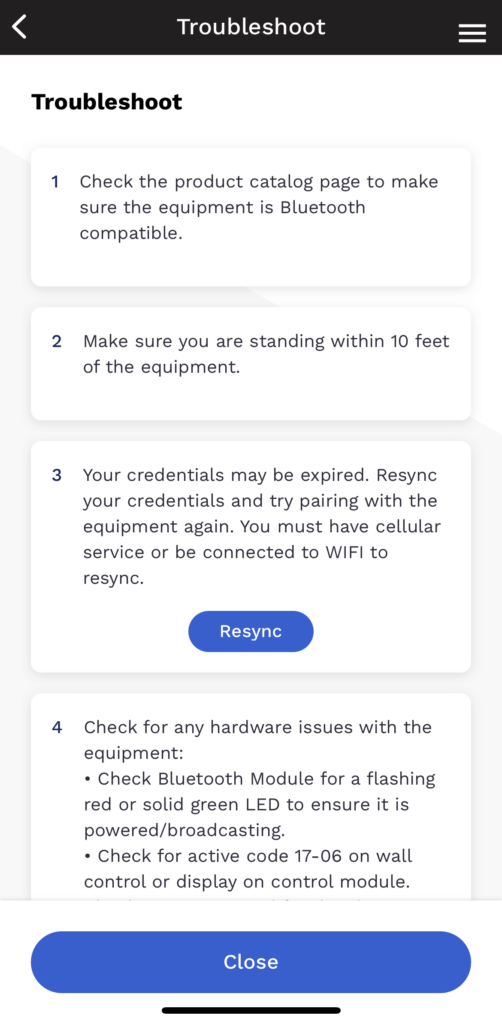
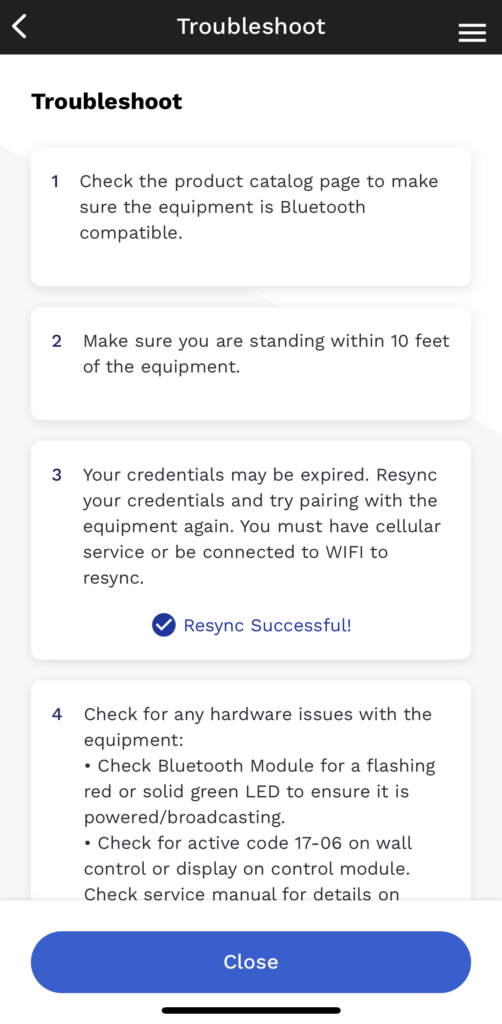
Verify the Bluetooth Module has a red LED.
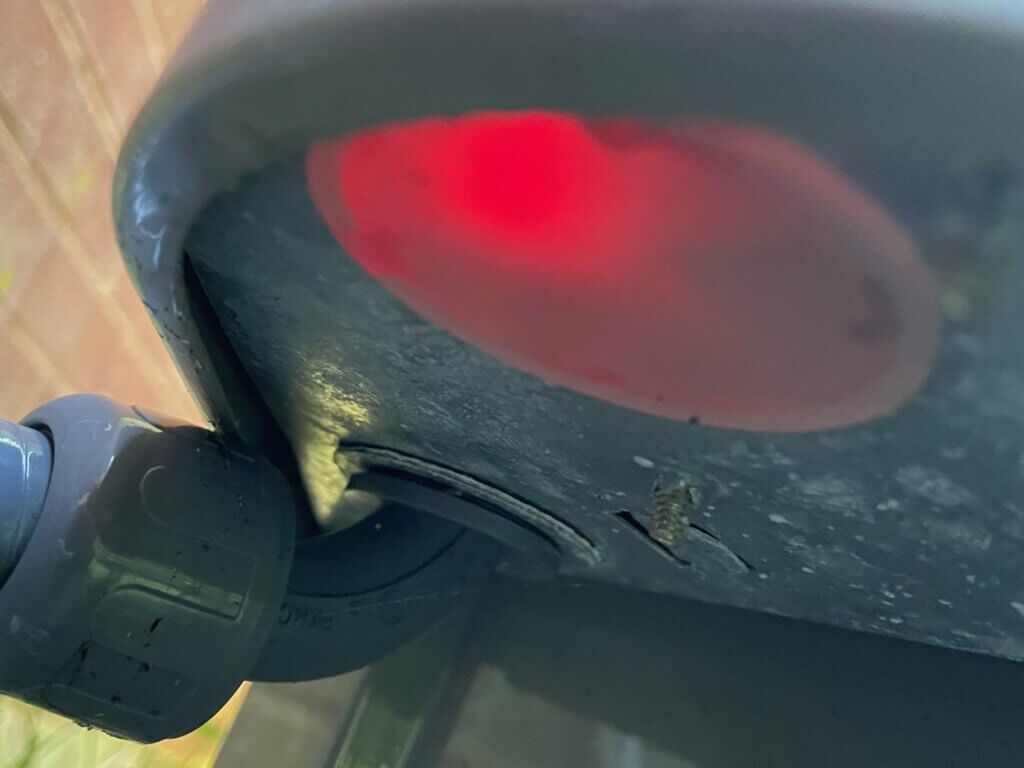
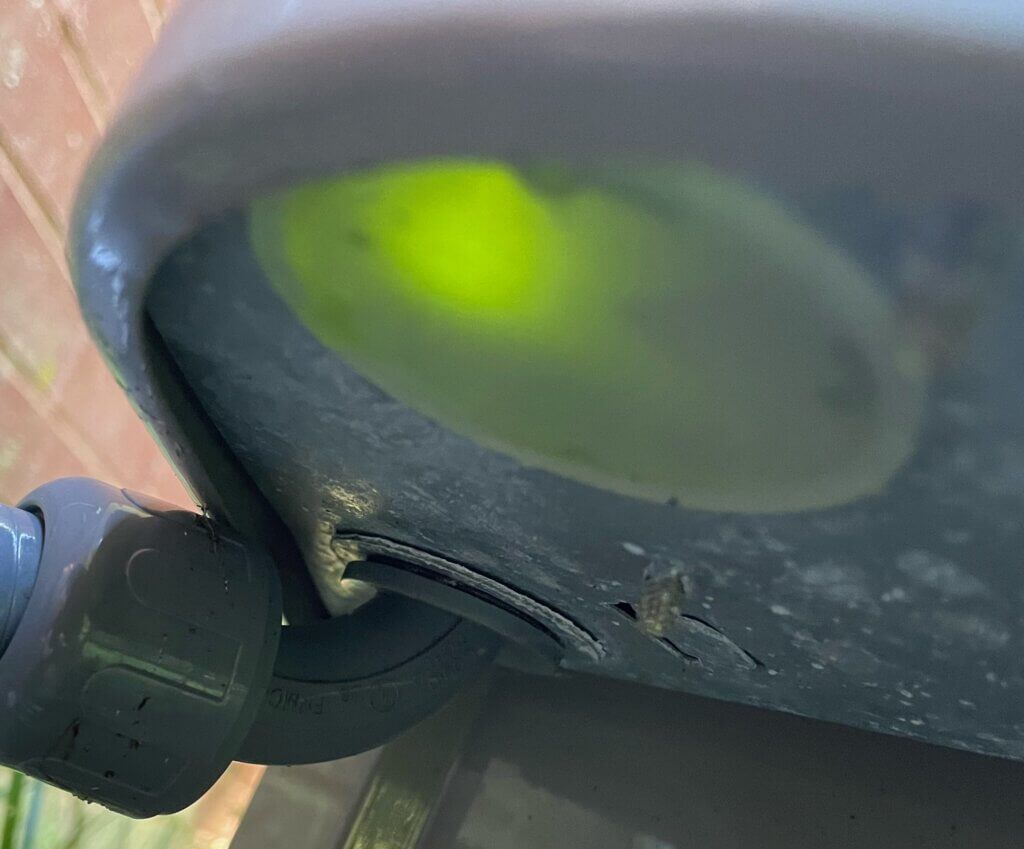
Once connected, the LED will turn green.
Tip: Only one device at a time can connect to a Bluetooth Module.
When the unit is found by the app, it will show the Serial and Model. If multiple units are near, it will show all available. Choose a unit and then touch “Pair”.
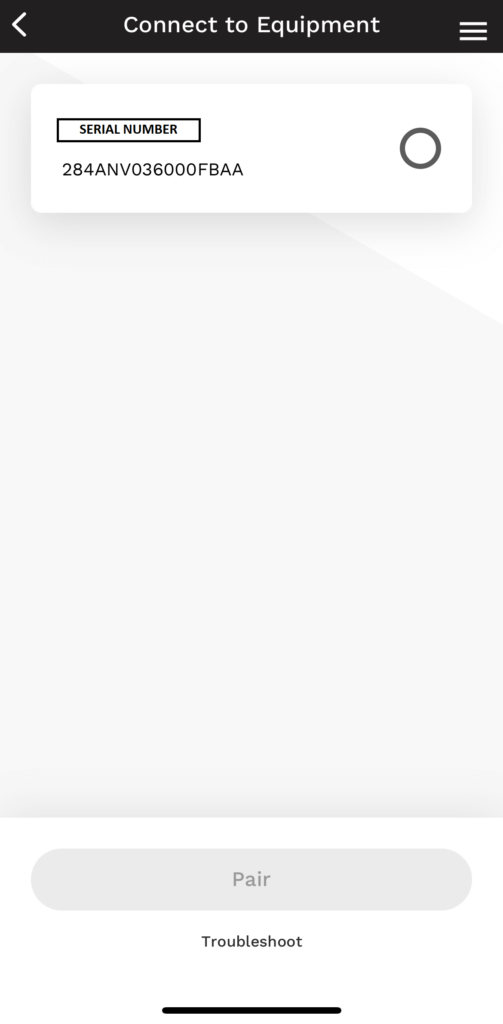
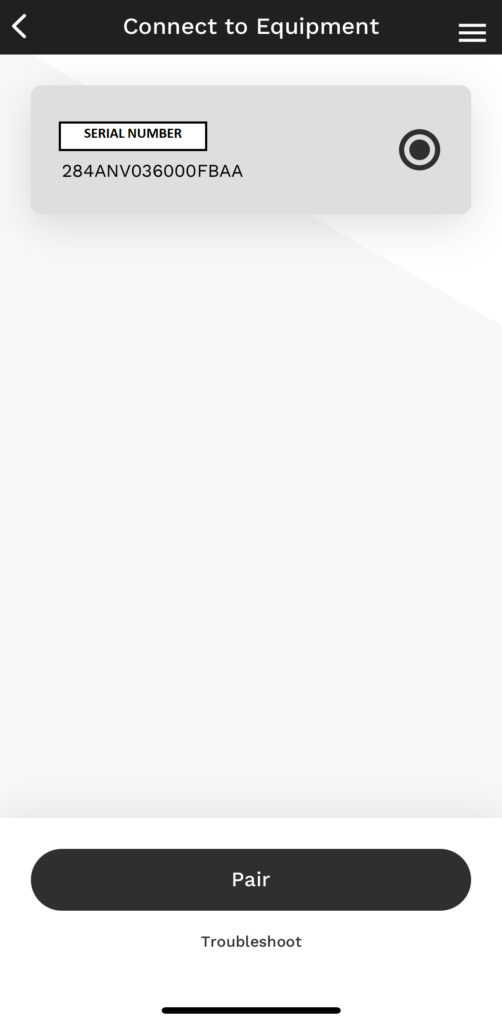
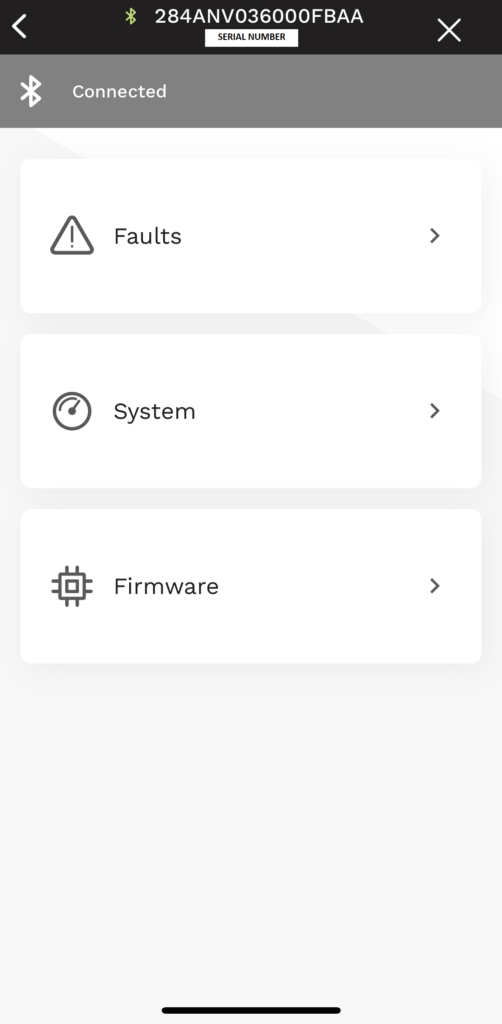
The app will take you to a connected screen with three choices:
“Faults”, “System”, or “Firmware”. Any active faults or required updates will display.
Tip: “Faults” will show you active and historical errors from the unit, not the system. If updates are required, turn your phone on do not disturb during the process. Any interruptions and you will have to start over.
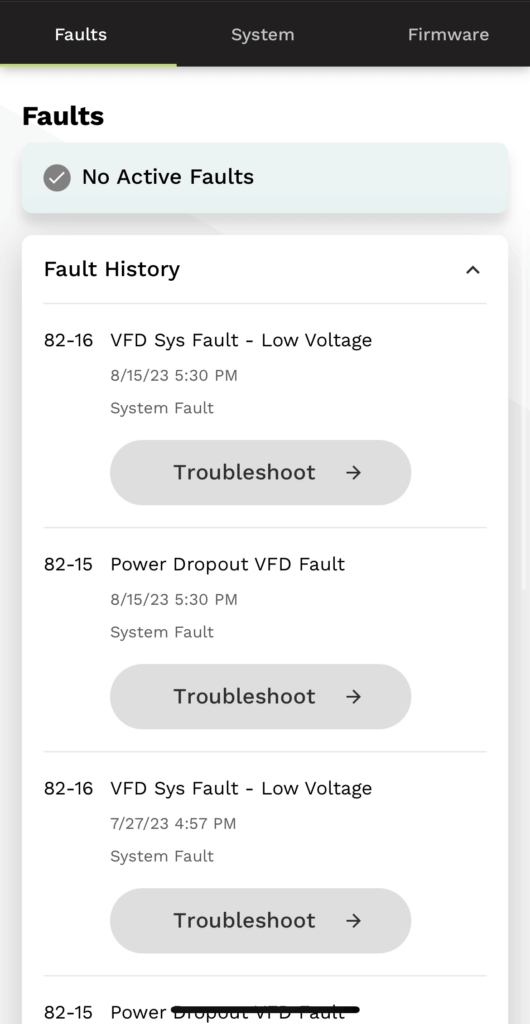
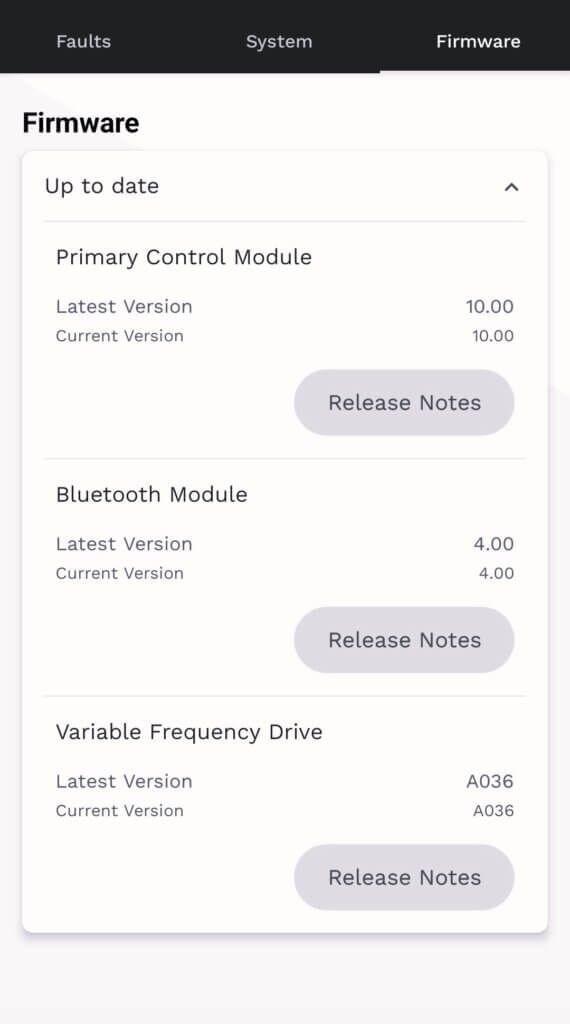
“Firmware” will search and show current and latest versions for each component.
The System page is a very useful tool to have for working on these machines. No gauges or meters are necessary until you find the need to fact check the information. All input and operational values are displayed here in one cohesive list. In the “Refrigeration System Info” we find compressor and outdoor fan RPMs; outdoor coil and ambient temperatures; suction pressure, temperature, and superheat; discharge pressure, temperature, and superheat; the heating EXV (Electronic Expansion Valve) position, and the vapor injection EXV position (only used on the 5 ton models). In the “Inverter Info”, we find line voltage; AC line current (amp draw); DC bus voltage; PFCM (power factor correction module) temperature of the reactor circuit(s); IPM (inverter) temperature. In the “Operational Status”, we see heat pump mode percentage (demand); a lockout timer counter; low ambient cooling on (if it has been enabled in the UI setup); and curtailment.
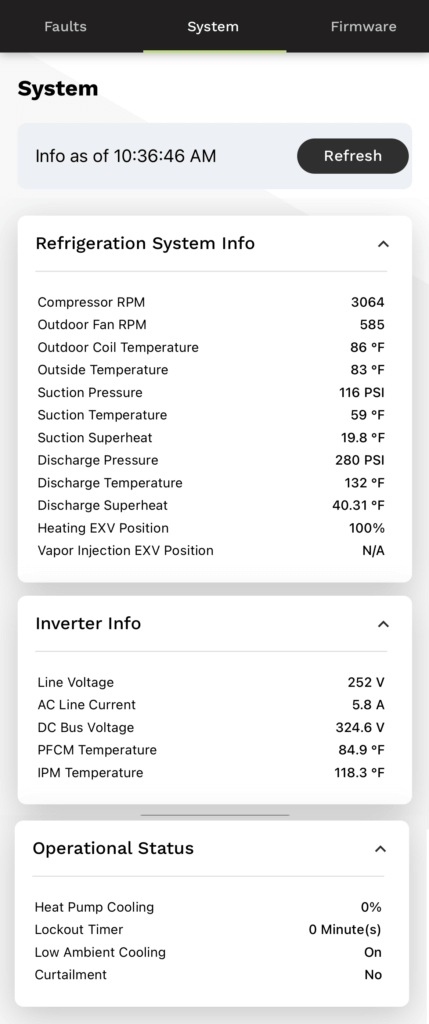
If any of the details seem suspect, then further investigation is necessary. As these units can change how they operate based on inputs, the information being correct is critical. Use your gauges and meter to compare and contrast versus the data. Compressor RPMs are converted from hertz. The minimum and maximum RPMs varies by ton. This information can be found in the product data under “Sound Power Level (dBA)”. The suction temp, outdoor coil temp, and outdoor ambient temp inputs are all 10K ohm thermistors. The discharge temp is a 50K ohm thermistor. These ohm value charts for both types are readily available online. Pressure transducers take a 5 VDC output from the main PC board and provide a signal return between .5 to 4.5 VDC back to the board. This value is put through a formula to provide a pressure reading between 0 and 620.
If any of the details seem suspect, then further investigation is necessary. As these units can change how they operate based on inputs, the information being correct is critical. Use your gauges and meter to compare and contrast versus the data. Compressor RPMs are converted from hertz. The minimum and maximum RPMs varies by ton. This information can be found in the product data under “Sound Power Level (dBA)”. The suction temp, outdoor coil temp, and outdoor ambient temp inputs are all 10K ohm thermistors. The discharge temp is a 50K ohm thermistor. These ohm value charts for both types are readily available online. Pressure transducers take a 5 VDC output from the main PC board and provide a signal return between .5 to 4.5 VDC back to the board. This value is put through a formula to provide a pressure reading between 0 and 620.
Tip: By the math, the formula is trasnducer signal VDC (x) minus .5 times 155. Or 155(x-.5)= pressure. Examples: High 155(4.5-.5)= 620 PSI, low 155(.5-.5)= 0 PSI, mid-range 155(2.3-.5)= 279 PSI and 155(1.3-.5)= 124 PSI.
Validating the position of the EXV(s) is not possible. If it comes into question, you can verify the integrity of the stepper motor by ohming out each of its multiple coil circuits. You can also verify the 12VDC from the PC when commanding a position change. If both of these check out, then the internal valve is stuck or restricted.
The PFCM and IPM temperatures are built into the inverter which is not serviceable.
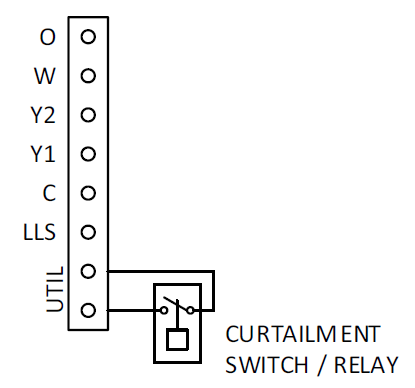
Curtailment is for when your utility requires a way to interrupt the operation of the unit during peak periods. The UTIL connections must be wired to a normally open set of contacts. When the power utility sends a signal to close the contacts, a curtailment indication can be seen on the Bluetooth app and the Infinity or Evolution Control (UI), and the system will be commanded to shut down.
Hopefully, this article has helped you understand how to use one of the three available Service Tech Apps for connecting with Bluetooth on the 24 and 26 SEER equipment. Stay tuned for next months article, “Communication Is Key – Part 1”, where we will discuss Infinity and Evolution equipment through the years, and provide some insight into the changes as the technology of these systems continues to advance.
Disclaimer: The technical statements, information and recommendations contained herein are believed to be accurate as of the date hereof, but Mingledorff’s does not make representations or warranties, express or implied, as to its accuracy, its completeness, or the results to be obtained. The information is being provided for informational purposes only and is intended for use by persons having adequate skill and expertise regarding the proper selection, use and application of the products and recommendations and at their own risk and discretion.
Unlock the Full Potential
This installation was on a 4-story home, and the tech had not yet gone to the basement to troubleshoot the “infinity” water source heat pump, as he was told he by the homeowner. He was in the attic at the infinity furnace above the 4th floor. He was getting his dcv in the proper range on his A and B green plug on the air handler, 3 to 4 vdc. His indoor board ohm reading was in range, 28k to 32 k. The tech ohmed out the A and B thermostat wires on the water source heat pump from the upstairs. His ohm reading was not in range of a normal infinity board. His reading was around 64.4k. The tech then made the long walk to the basement where the “geothermal heat pump” was located. Bingo.
More to Explore

Heat Pump
Keep up with the latest HVAC news from Mingledorff’s Inc.